— A DIVE INTO —
INFORMATION SOURCES
A Blended Learning Journey
Explore information sources: their types; reliability; when to choose different sources; and why it is important to know about sources.
Module 1: Explore and Understand Sources
Classroom Discussion
Spark interest and engagement through relevant discussion. Question: How does what you see on social media affect your view of the world?
Online Module 1-1 Exploring Sources
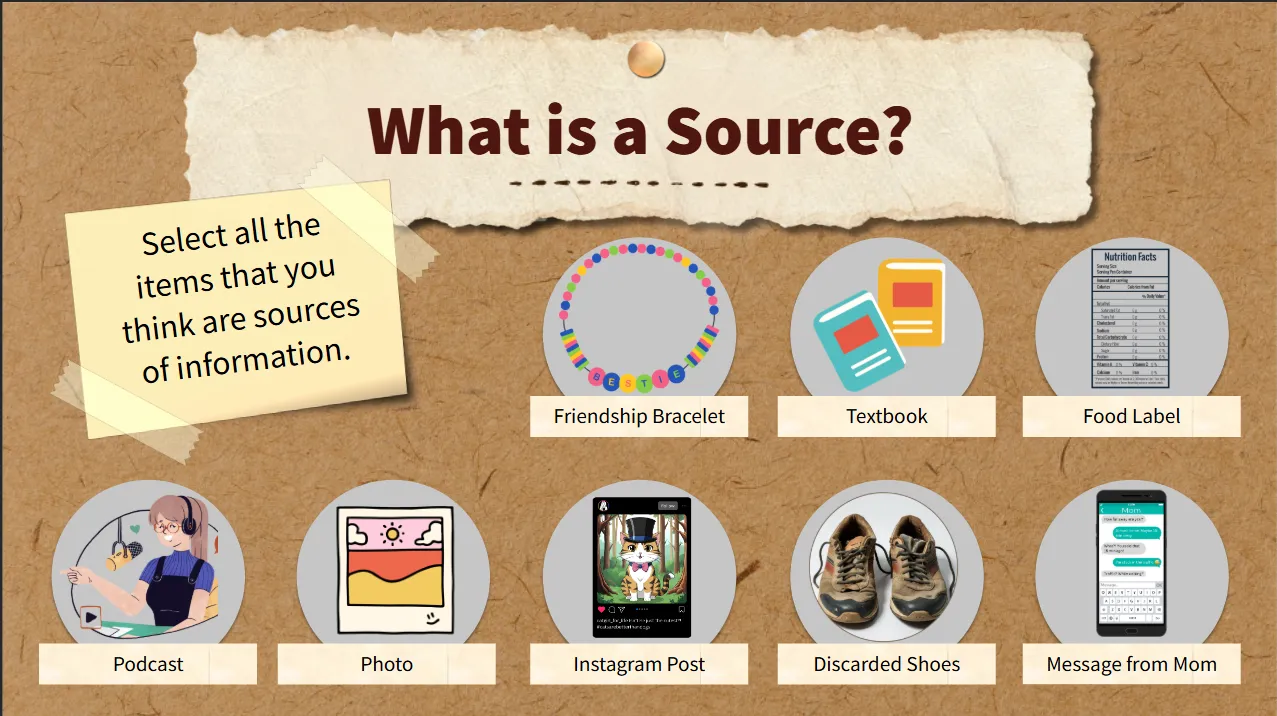
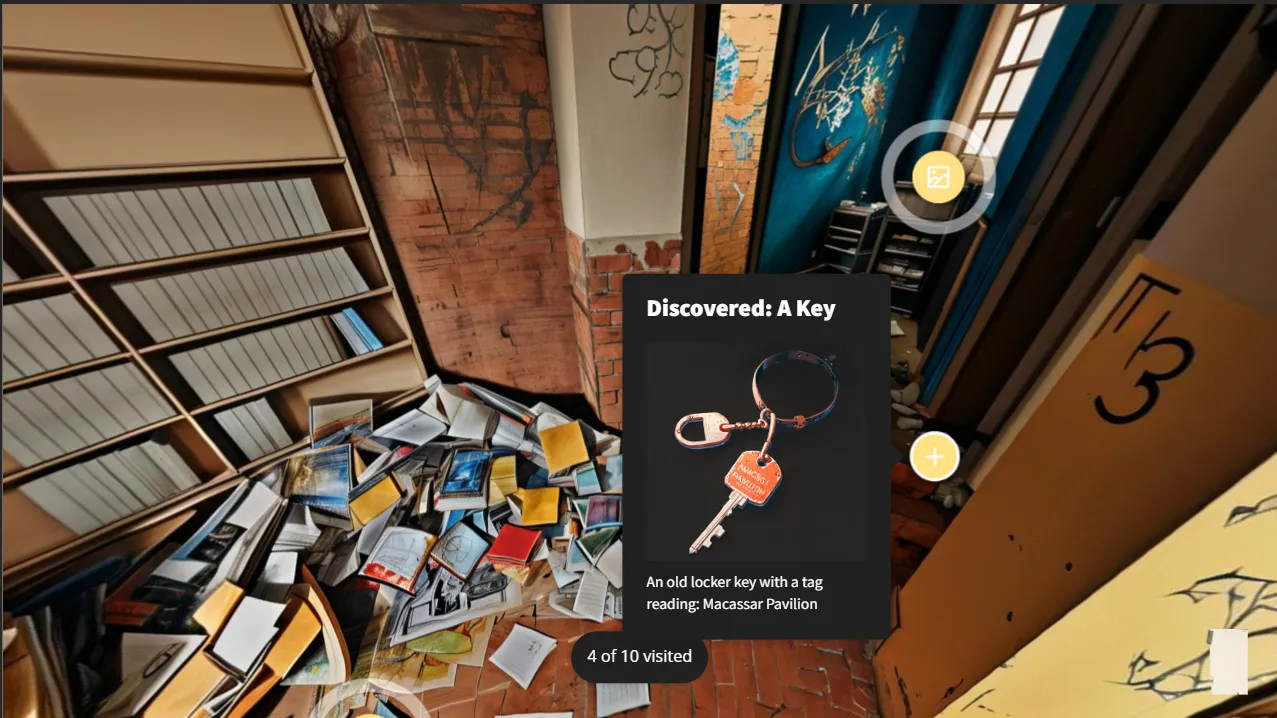
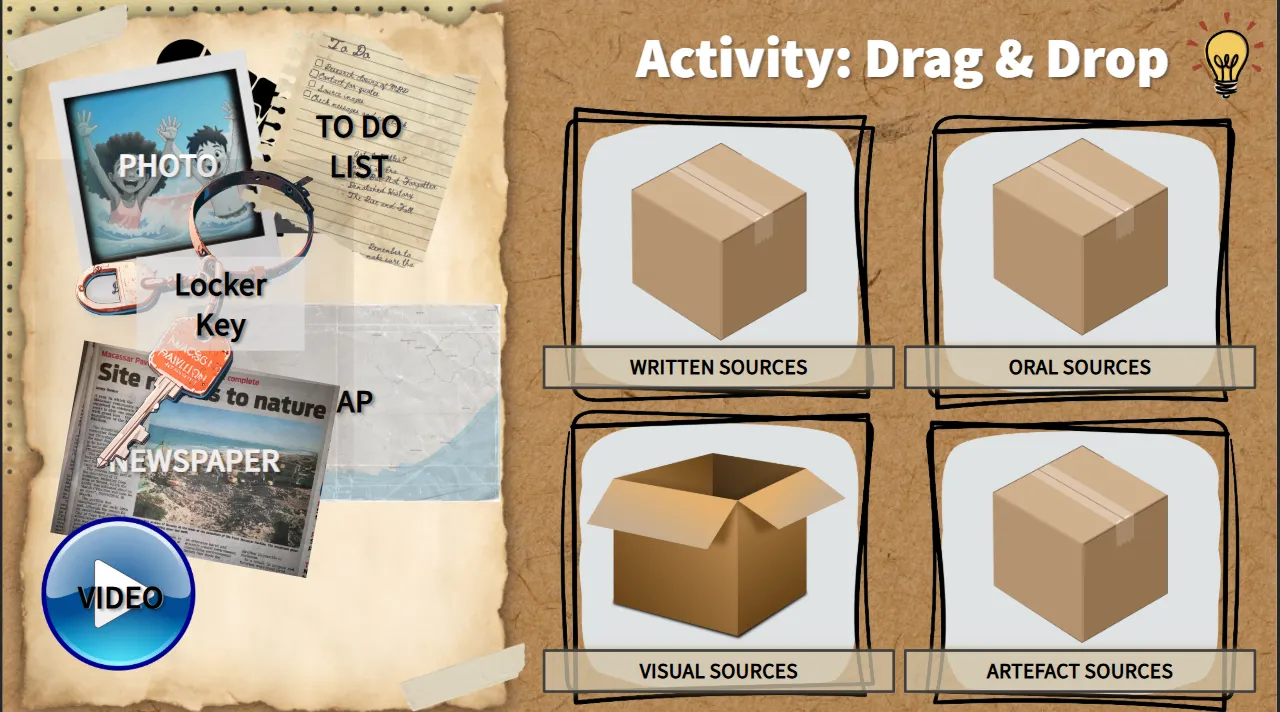
Explore what can be considered a source of information and the different source mediums through immersive exploration and a drag-and-drop activity.
Classroom Discussion
The online module ends with a prompt to pick up on for discussion: How does knowing where a sources’ information comes from help us know if the information is true?
Online Module 1-2 Primary & Secondary Sources
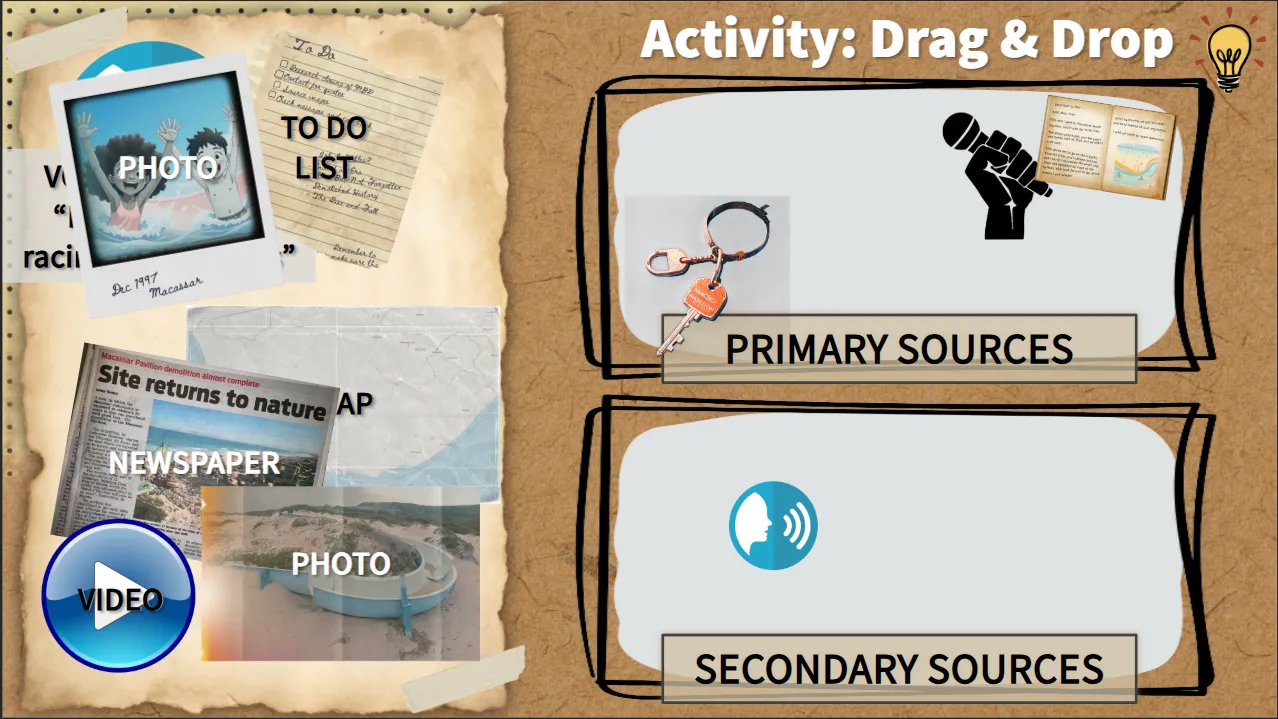
Explore the difference between primary and secondary sources through a drag-and-drop classification activity and an interactive information slide.
Classroom Discussion
Make use of the classroom setting to facilitate peer-to-peer knowledge sharing, reflection on learning and to check understanding.
Online Module 1-3 Knowledge Check
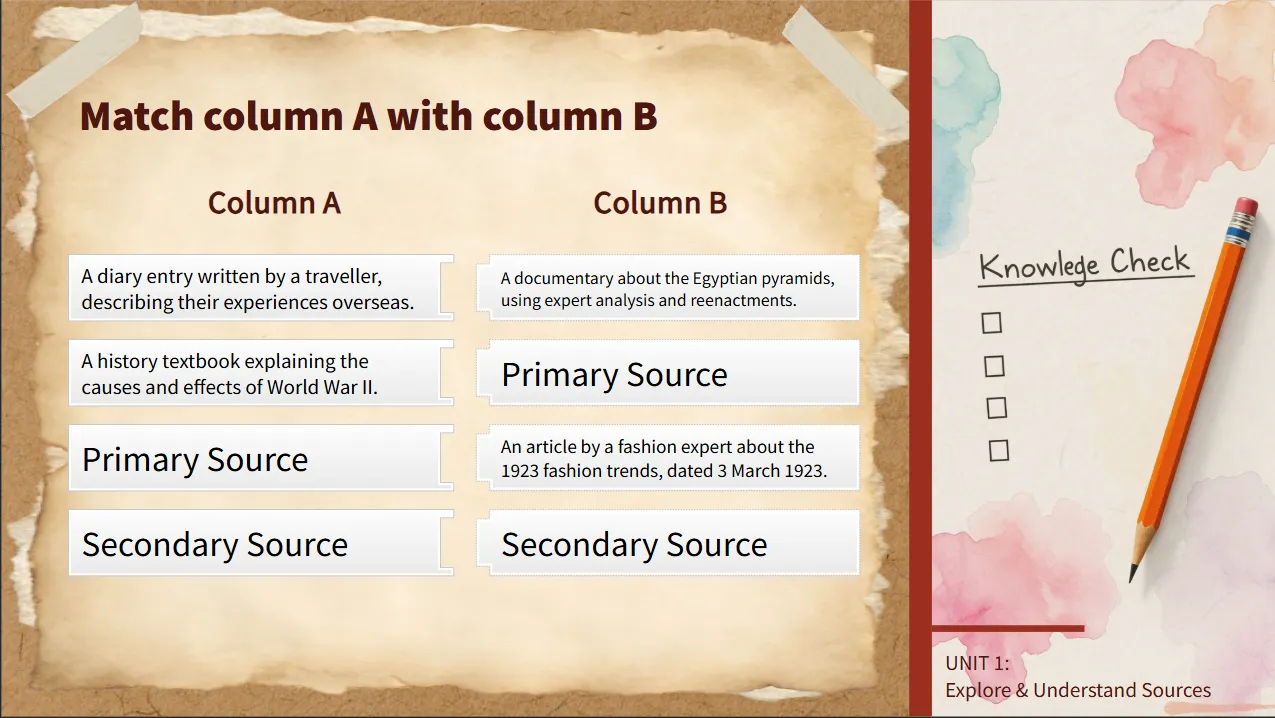
Interactive quiz questions to gauge understanding. Automatic repeat of information summary and quiz is prompted for those who do not pass.
Classroom Activity: Recording
Employ any knowledge recording system to record learned knowledge, such as mind maps, summary notes or handouts.
Link
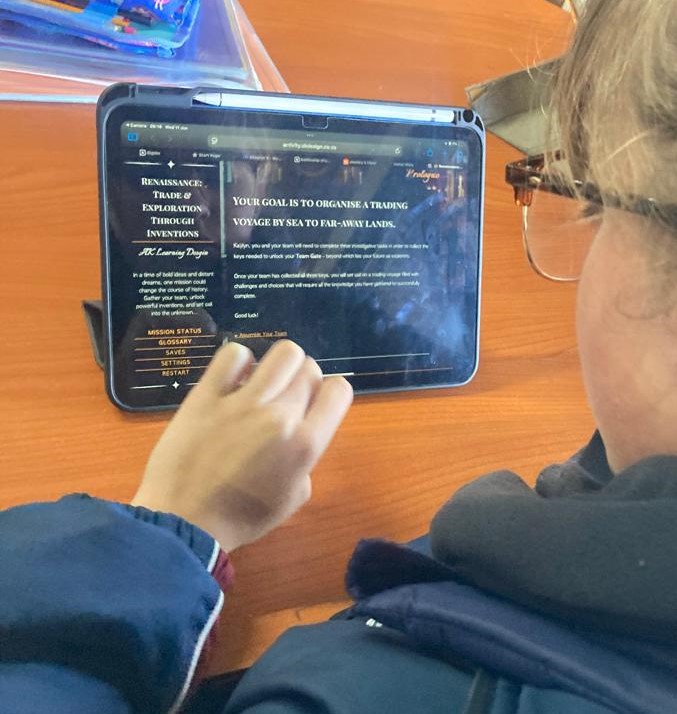
Follow the link to find the online modules, or copy and paste the link into Google Classroom for learners to access.
QR Code
Click on the QR code below. This will open the QR code so that you can project it onto the board. The learners can scan the QR code and follow the link it produces to access the online module.
Love this? Feel free to share!
Stay In The Loop or Get In Touch!
Want to request a specific activity, or get updates on new activities, modules, and tools to spark engaging learning? Join the mailing list and never miss a fresh idea!